Commerce
Barcode Stickers
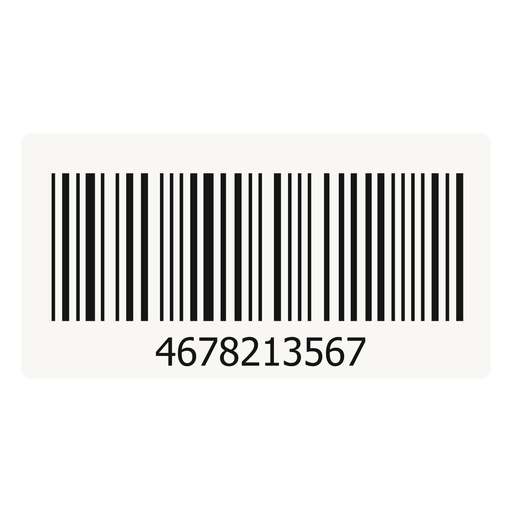
Print barcode labels for POS scanning.
New
No ratings yet
0
installs
₦750
/ month
About
Generate and print product barcode stickers for your shelf and counter.Requires Kudita POS. Install POS first, then unlock barcode sticker printing from your POS menu. Stickers work per business location while POS is active.
What you get
- Print barcode stickers for shelves and counters.
- Scan products faster at the register.
- Configure label size, copies, and what each sticker shows.
How to install
- Log in to your Kudita vendor dashboard at kudita.com.
- Select the store you want to add this extension to (top store switcher).
- Open Extensions from the sidebar menu.
- Find Barcode Stickers on the Browse tab and click Install.
- Complete payment with Paystack, or install at no cost if your plan marks this extension as Included.
- After install, it appears under the Installed tab. Follow the steps below to set it up.
How to use
- Requires Kudita POS — install POS first.
- Open POS and pick a business location.
- Go to barcode / label printing from the POS menu.
- Select products, set label size and copies, then print shelf stickers.